Hey there
Here's your date night. Grab your person and press play.
Install this on your phone
1Tap the blue at the bottom of your screen
2Scroll down, tap the square-plus Add to Home Screen
3Tap Add (top right corner)
Want a nudge for your next date night?
I'll send one when there's something new worth doing together. No spam, ever.
Open your date night from your email
Your link signs you in on this phone, so there is no password to remember. Lost it? Pop in your email and I'll send it again.
1
Watch the videos (casts to your TV)
Sign in above to watch.
This date night is 1 of 50
If tonight felt good, the full program gives you new moves and new nights like this, again and again.
See the full program★★★★★ Loved by 10,000+ couples
2
Dance together
Clear some space and give it a try. Remember the goal is to have FUN together.
3
Conversation starters
Six questions, one at a time. This is the part couples tell me they remember most.
Sign in above to unlock your questions.
To get you two laughing together tonight:
Question 1 of 6
Laughter question 1 plumbs in here.
Laughter question 2 plumbs in here.
Laughter question 3 plumbs in here.
Laughter question 4 plumbs in here.
Closing question 1 plumbs in here.
Closing question 2 plumbs in here.
That's the whole night
Nothing left to tap. Go hold each other a little longer.
The full program
Tonight’s videos are just the start. Here’s everything inside Date Nights Dancing.
Order the full program

I'm Hunter Masters
I've helped 10,000+ couples dance and feel closer together in their living room. I hope you two join them :)
It takes two to date night.
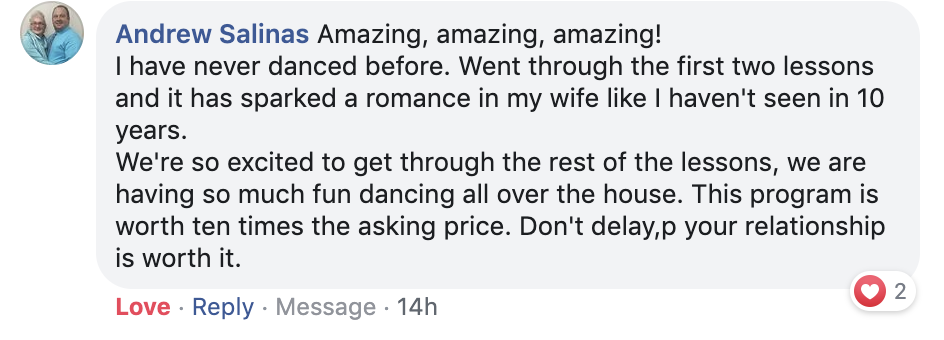
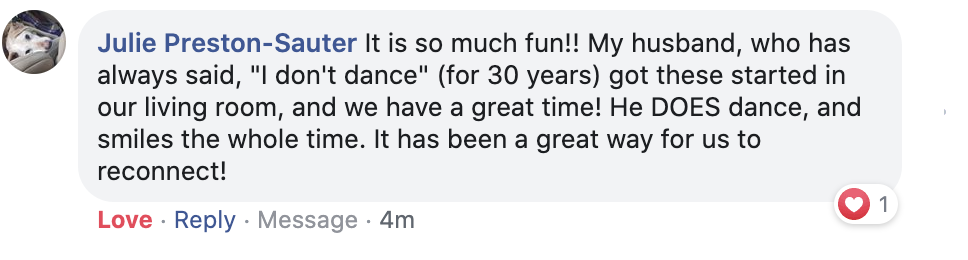
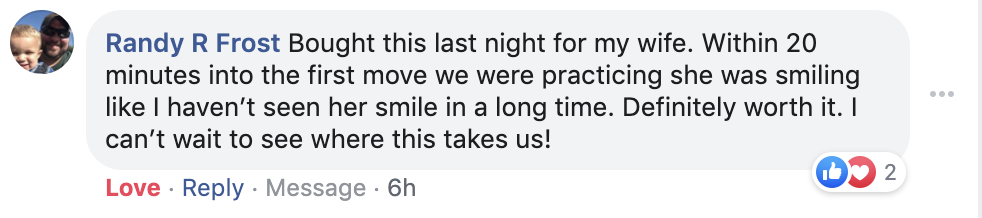
What others are saying
★★★★★ Loved by 10,000+ couples
Need a hand?
Tap a topic or message us anytime.
Casting to your TV ▸
1. Start playing the video.
2. Tap “Cast to your TV” under the video.
3. Pick your TV from the list. Same Wi-Fi as your phone.
(Make sure your TV and your phone are on the same Wi-Fi, and that your TV has casting turned on.)
1. Start playing the video.
2. Tap “Cast to your TV” under the video.
3. Pick your Google Cast TV from the list.
(The TV must support Google Cast. Keep it on the same non-guest Wi-Fi as your phone.)
Quick test: open YouTube, play anything, and tap its cast icon. If YouTube can't see the TV either, it's the TV or the Wi-Fi, not this app.
Tell me what phone and TV you have, what you tapped, and what happened. A photo of your TV screen helps a lot.
Your device info is included automatically so we can fix this faster.
Email Hunter and the team ▸
Send your message to Hunter and the team. We reply by email within 24 hours on business days.
Or email us directly: hunter@showheroff.com